

MenuMagic
How to Track Macros for Beginners (Without Weighing Every Gram)
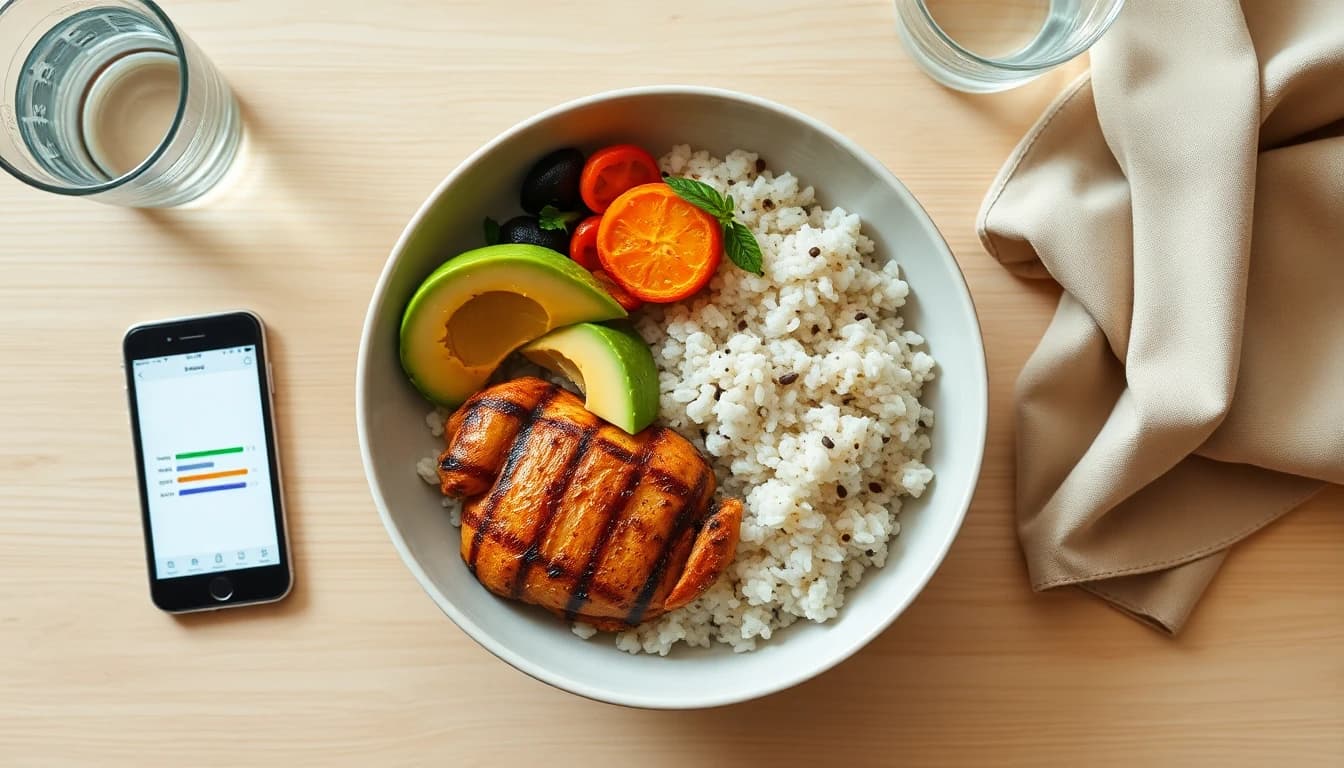
Someone told you to "hit your macros." A trainer, a friend, a fitness video. So you downloaded a tracking app, faced a search box sitting on top of four million food entries, weighed a banana, and quit by Thursday.
That's how it goes for most people, and it's rarely because the idea doesn't work. The standard method (weigh everything, log every ingredient, repeat forever) was built for bodybuilders, and the rest of us have jobs and children and a Tuesday.
Here's a beginner's approach that keeps the benefits and drops the gram scale.
What macros actually are (60-second version)
Macronutrients are the three building blocks of food, and each one carries a fixed amount of energy:
- Protein: 4 calories per gram. Builds and preserves muscle, and keeps you full longer than anything else on this list.
- Carbohydrates: 4 calories per gram. Your body's preferred fuel, especially for activity and thinking.
- Fat: 9 calories per gram. Essential for hormones and absorbing vitamins, and the reason small foods like nuts and oils carry big numbers.
Calories tell you how much you're eating, and macros tell you what it's made of. Two 2,000-calorie days can feel completely different depending on the split. Get it right and you stay full all evening. Get it wrong and you're raiding the cupboard at 10 PM.
Step 1: Set targets that match your body
Skip the forum debates about the perfect ratio. What a beginner needs is three numbers that fit their own body: a daily calorie target based on weight, height, activity, and goal (lose, maintain, or gain), plus a protein, carb, and fat split within it.
The good news is that you don't have to calculate any of this yourself. A decent app computes your targets from your profile. It should also update them as your weight changes, which is the part most people miss. The target that fits you in July will be wrong after ten weeks of progress.
Step 2: Log in portions and skip the scale
This is where beginners burn out, so let's clear it up early: you don't need to weigh your food.
Weighing to the gram matters when a physique competitor is prepping for a stage. For everyone else, portion-level logging ("one bowl of this chili", "two eggs and a slice of toast") is accurate enough to drive real results, and it takes seconds instead of minutes.
Three low-friction ways to log:
- Packaged food: scan the barcode. The label's data is more accurate than anything you'd type by hand.
- Meals you cook: if the recipe is in your meal planner, its macros are already computed, so logging it is one tap.
- Everything else: say it out loud. Voice logging ("chicken wrap and an apple") turns the worst part of tracking into a sentence.
Those 20 seconds you save on every entry decide whether you're still tracking in March.
Step 3: Look at what moves the needle
Raw daily totals like "142g protein, 210g carbs" are hard to act on. What actually teaches you something is seeing which foods contribute what to your day.
The first week of tracking this way is usually full of surprises: the granola breakfast carrying more carbs than your pasta dinner, the salad whose dressing outweighs its chicken, the after-dinner cheese quietly delivering a third of your fat.
You don't need to memorize nutrition tables. You need to spot the three or four foods driving your numbers and decide whether they're earning their place. Once you can see that at a glance, the adjustments become obvious: more of what fills you up per calorie, less of what doesn't. As a bonus, those swaps usually make eating healthy on a budget easier too.
Step 4: Let your weight trend be the referee
The only way to know whether your targets are working is your weight trend. Log your weight a few mornings a week, in the same app, and read the weekly trend rather than any single day. Daily weight swings by a kilo or more on water, salt, and timing, so the trend line over two to three weeks is the only number worth reacting to.
If the trend matches your goal, your targets are right, so keep going. If it doesn't after a few weeks, adjust the targets slightly and watch again. That feedback loop is what makes macro tracking work, far more than any particular ratio.
The shortcut: plan the macros before the week starts
Everything above gets much easier with one change: decide your meals before the week starts.
When your week is planned to fit your targets, you're no longer solving a math puzzle every night. Most of your food is pre-logged by definition, the grocery list follows the plan , and tracking is reduced to confirming meals and catching the extras. This is what a meal planner with calorie tracking adds over a plain calorie counter: instead of just telling you the target, it fills your week with meals that meet it.
MenuMagic
MenuMagic is an AI meal planner with macro tracking built in, designed around exactly this beginner-friendly loop:
- Targets computed from your profile: calories and macros calculated from your weight and goal, and recalculated as your weight changes.
- A weekly plan that fits them: AI-generated meals matching your targets, taste, and dietary needs .
- Fast logging: planned meals log in one tap, and everything else goes in by barcode scan or voice.
- Macros at a glance: see exactly which foods contributed to today's protein, carbs, fat, and calories. It's the fastest way to learn what your food is made of.
- Weight trends in the same app: log your weight and watch the trend, right next to the food that's driving it.
Beginner mistakes worth skipping
Chasing perfect ratios. A 40/30/30 versus 45/30/25 debate changes nothing for a beginner. Adequate protein plus a calorie target you can sustain beats an "optimal" split you abandon.
Tracking only the good days. The chaotic days are the data you need most. Log them roughly rather than skipping them.
Treating one heavy day as failure. Your body runs on weekly averages. One birthday dinner is a rounding error.
Reacting to daily weigh-ins. Water weight will mess with your head. Stick to the trend line.
FAQs
Do I need to weigh my food to track macros?
No. Portion-level logging (bowls, pieces, servings) combined with barcode scanning for packaged food is accurate enough for most goals. Gram-scale precision only matters at extreme levels of leanness, and skipping the scale is what makes tracking sustainable.
What macros should a beginner aim for?
Skip fixed ratios and start from your body: a calorie target based on your weight, activity, and goal, with protein high enough to keep you full (a common starting point is roughly 1.6-2g per kilogram of body weight) and carbs and fat filling the rest in whatever split you enjoy eating. An app like MenuMagic computes this for you.
How long until macro tracking shows results?
Give any target two to three weeks, judged by your weight trend rather than daily readings. If the trend matches your goal, hold steady. If not, adjust slightly and repeat. Most beginners see the pattern clearly within the first month.
What's the easiest app to track macros for beginners?
The easiest tracker is the one that removes logging work. Look for computed targets (no manual math), barcode and voice logging, an at-a-glance view of which foods drive your macros, and ideally a meal planner that builds your week to fit your targets so most food is pre-logged. MenuMagic does all four.
Want to hit your macros without weighing rice at 7 AM? MenuMagic computes your targets, plans a week that fits them, and makes logging a one-tap job. Try it free for 14 days.
More posts

MenuMagic

© 2026 MenuMagic.
All rights reserved.